

Download Airline Manager – airline simulator, flight management, aviation tycoon, plane management, airline strategy game
Overview
Airline Manager offers players a deep and immersive simulation of the aviation industry, positioning them as the head of a growing airline business. The app allows users to design flight routes, manage aircraft fleets, and optimize operations to build a successful airline empire. It is tailored for aviation enthusiasts, strategy gamers, and those interested in business simulation.
By blending real-world aviation elements with strategic gameplay, the app provides a realistic yet accessible experience for both casual and dedicated players. The developer, Airline Manager Games, has focused on delivering a polished simulation with attention to detail, including live flight tracking and extensive aircraft variety. The game supports two distinct modes—EASY and REALISM—catering to different levels of engagement and expertise.
This dual approach makes it suitable for beginners seeking an enjoyable introduction and experienced players looking for complex operational challenges. Real-world use cases include learning about airline logistics, route optimization, and financial management in a risk-free environment. In the broader app ecosystem, Airline Manager stands out as a niche yet comprehensive tool for simulation and strategy lovers, offering a rare depth of detail in mobile gaming.
Key Features & Functionality
- Two Game Modes: Players can choose between EASY mode, which simplifies decision-making for a smoother experience, and REALISM mode, which introduces detailed operational challenges such as fuel costs, crew scheduling, and maintenance cycles. This flexibility ensures that both new and experienced players can find a suitable level of difficulty.
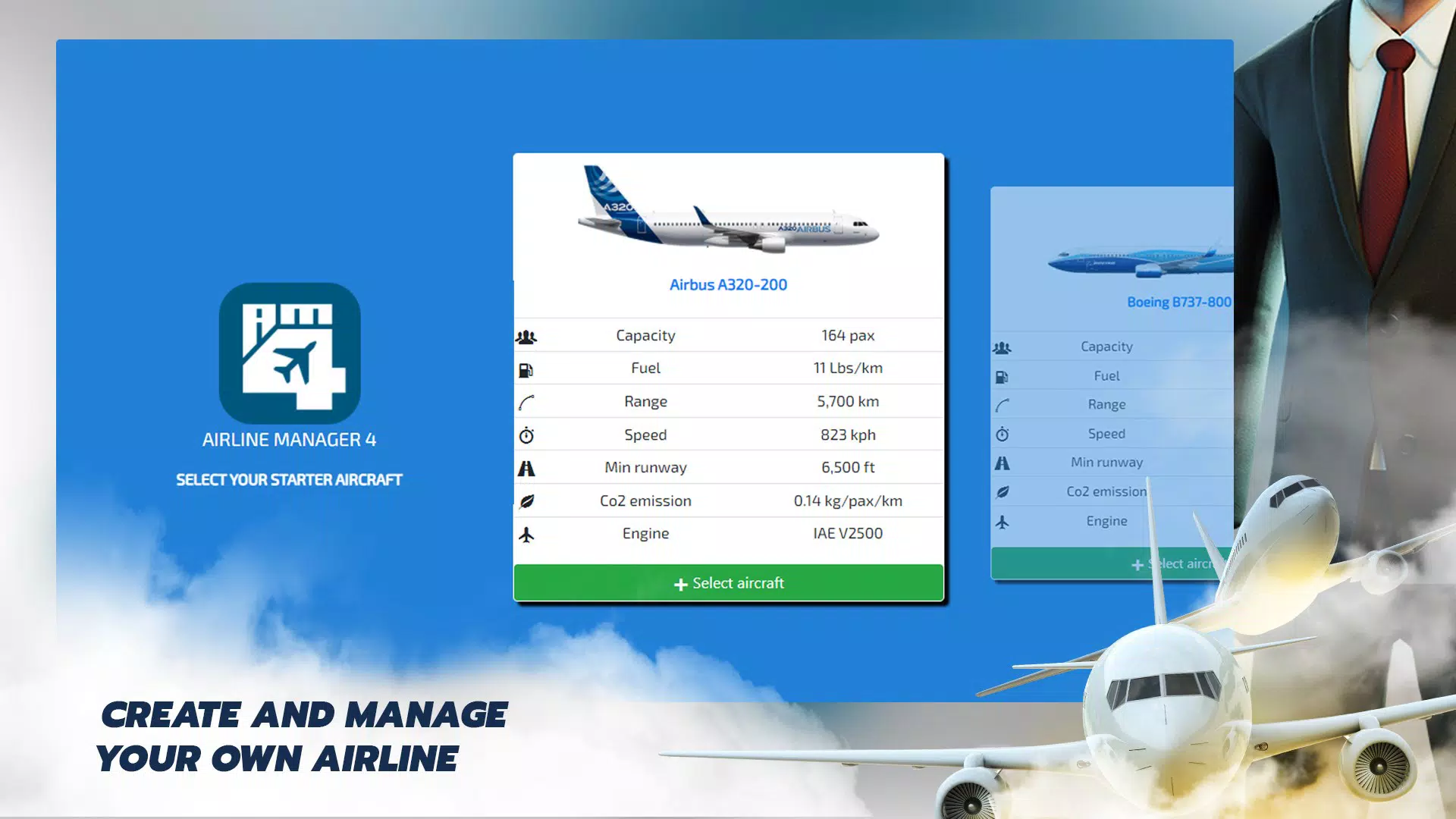
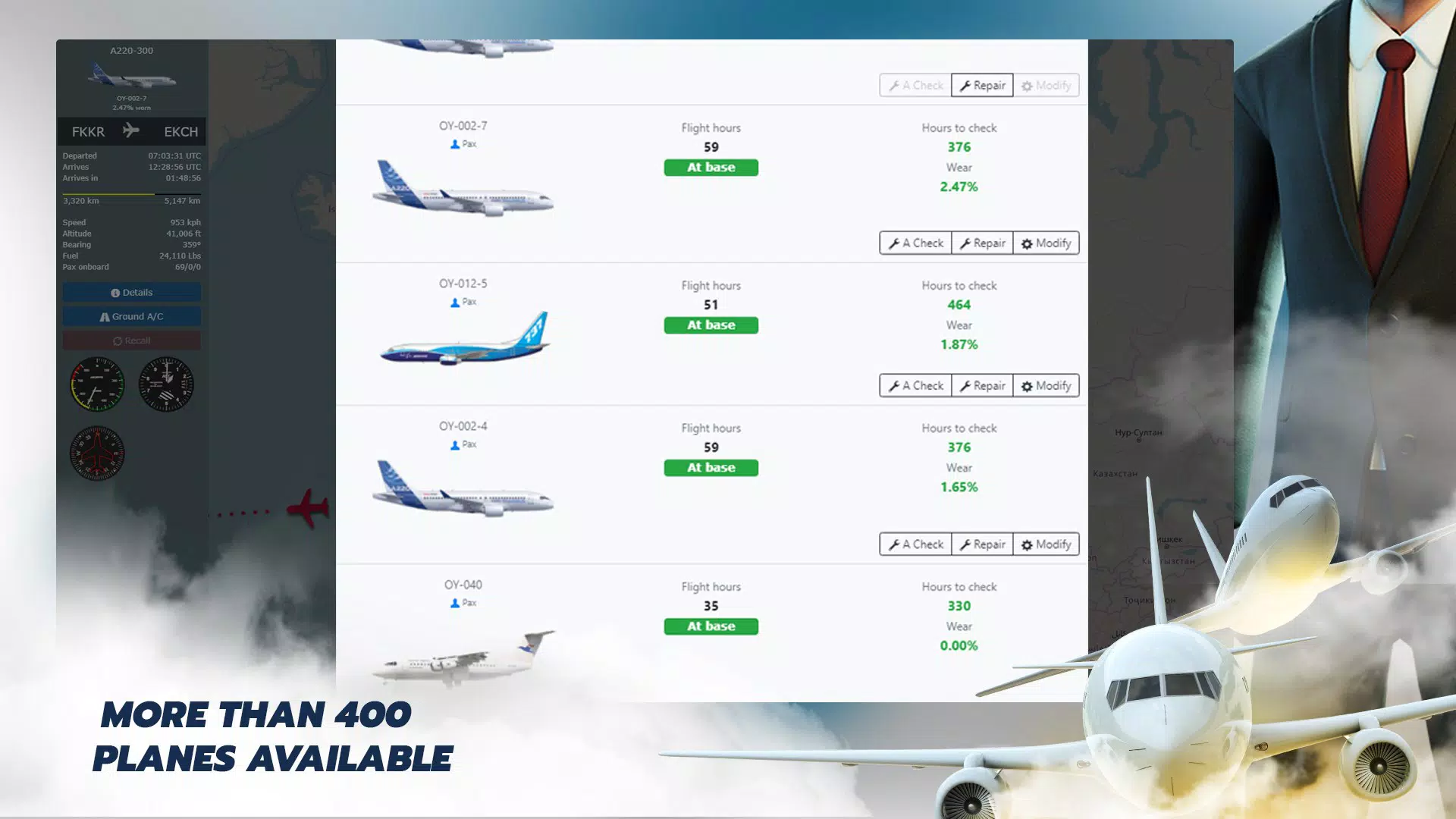
- Extensive Aircraft Variety: With over 360 real aircraft types available, users can build diverse fleets tailored to different route demands. From short-haul regional jets to long-haul wide-body aircraft, the selection supports strategic planning based on efficiency, capacity, and cost.
- Live Flight Tracking: An interactive map enables real-time monitoring of flights, allowing players to respond dynamically to delays, weather disruptions, or high-demand routes. This feature enhances decision-making by providing immediate feedback on operational performance.
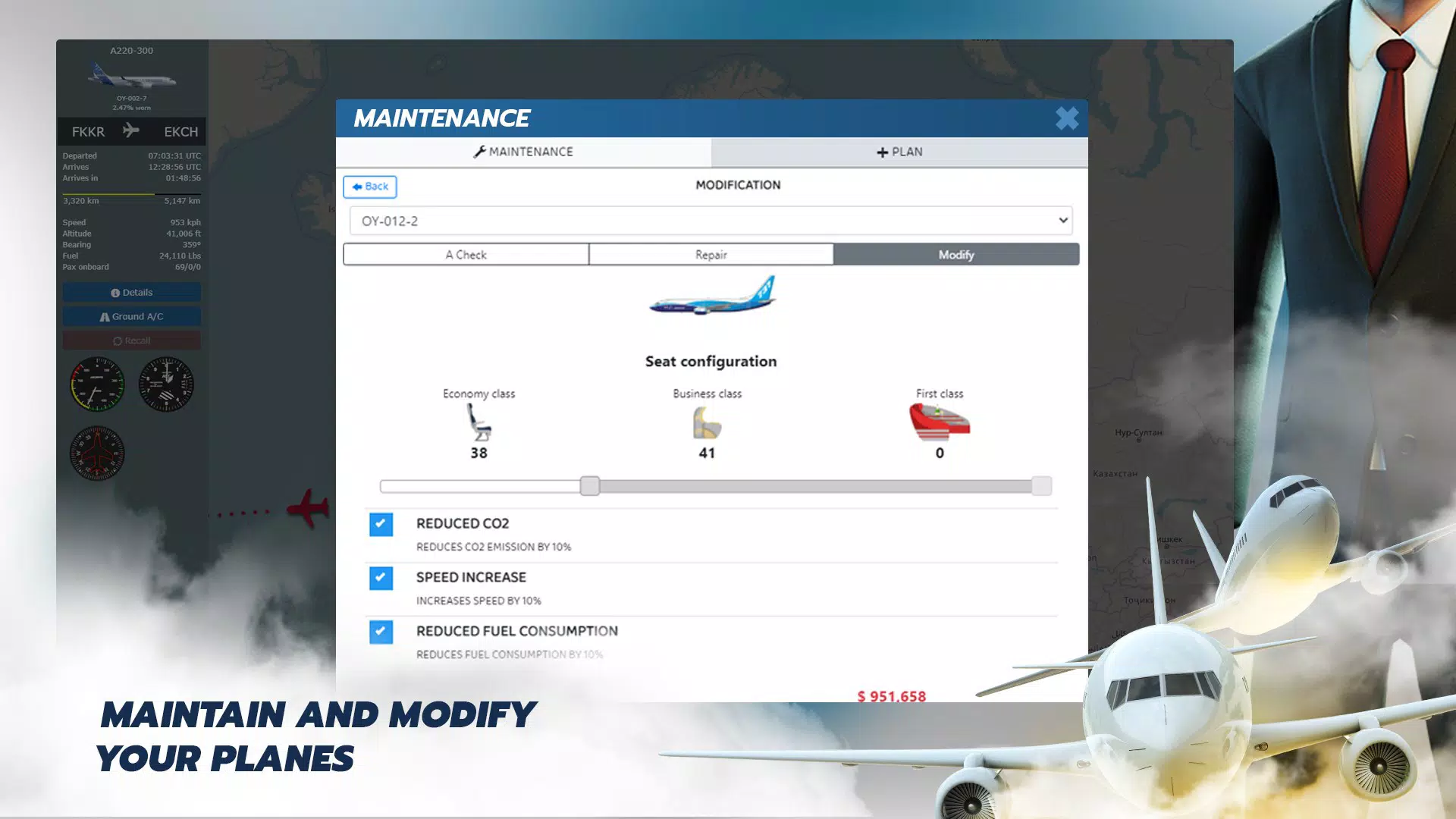
- Comprehensive Management Tools: Users can manage staff morale, launch marketing campaigns, and schedule maintenance, all of which influence long-term success. These tools simulate the interconnected nature of airline operations, where human resources, branding, and logistics must be balanced.
- Ad-Free Experience: The app runs without advertisements, ensuring uninterrupted gameplay and a clean user interface. This dedication to user experience supports sustained engagement and focus on strategic development.
For example, a player in REALISM mode might analyze fuel consumption across different aircraft types to reduce costs on a high-frequency route. Another might use live flight tracking to reroute a delayed flight during peak travel hours, minimizing passenger dissatisfaction. These features collectively create a rich simulation environment that rewards careful planning and adaptive management.
Interface, UX & Performance
The app features a clean, intuitive interface with clearly labeled menus and visual indicators for flight status, fleet health, and financial performance. Navigation is streamlined through a central dashboard that provides quick access to key functions such as route planning, fleet management, and staff oversight. The visual style combines realistic aviation graphics with accessible UI elements, creating a professional yet approachable atmosphere.
Users can easily switch between game modes and access detailed reports on airline performance. Although the developer did not list formal performance metrics, the app maintains smooth responsiveness across various device categories, suggesting optimized rendering and efficient memory usage. The interface adapts well to different screen sizes, ensuring readability and usability on both smartphones and tablets.
Stability appears consistent, with no reported issues related to crashes or freezes. The absence of ads contributes to a seamless experience, allowing users to focus on gameplay without interruptions. Overall, the user experience is thoughtfully designed to support long-term engagement, making it easier for players to immerse themselves in the complexities of airline management.
Platform Compatibility & Technical Requirements
Airline Manager is available on Android, with a current version of 1.4.8 and a file size of 472 MB. The developer did not specify minimum OS requirements or device compatibility details. As such, users should ensure their device meets general Android standards for running simulation games.
The app’s size suggests it includes high-quality graphics, detailed maps, and a large database of aircraft and airports. While the exact hardware specifications were not provided, the app appears optimized for mid-to-high-end Android devices to support smooth performance during real-time flight tracking and complex simulations. Compatibility with older Android versions was not disclosed.
Users are advised to check their device’s system requirements before downloading. The app is free to download and install, making it accessible to a broad audience.
Pros and Cons
- Offers two distinct gameplay modes for varied difficulty levels
- Includes over 360 real aircraft and 3,600 airports for authentic simulation
- Live flight tracking enhances real-time decision-making
- Comprehensive management tools for staff, marketing, and maintenance
- Ad-free experience ensures uninterrupted gameplay
- Highly detailed and immersive simulation for aviation enthusiasts
- Specific system requirements were not listed
- Compatibility with older Android devices is uncertain
- May require significant device storage due to 472 MB size
- No information on update frequency or future content plans
- Limited information on multiplayer or social features
FAQ
Is Airline Manager safe to download and install?
Yes, the app is available through official Android channels and is free from malware. It does not require root access or excessive permissions.
Can I play Airline Manager on iOS devices?
The app is currently only available on Android. No iOS version has been released.
Does Airline Manager require an internet connection?
While the game can be played offline, features like live flight tracking may require an active internet connection for real-time data.
Are there in-app purchases in Airline Manager?
The app is free to download and does not include in-app purchases. All features are accessible without additional cost.
How often is Airline Manager updated?
The developer has not disclosed a regular update schedule. The latest version available is 1.4.8, released in 2021.
Final Thoughts
Airline Manager delivers a compelling and detailed simulation experience that stands out in the mobile strategy genre. Its dual gameplay modes, extensive aircraft and airport database, and ad-free design make it a top choice for fans of aviation and business simulation. Whether you're exploring the basics of flight route planning or diving into the intricacies of fleet management, the app provides a rich, engaging environment.
The combination of real-world data and strategic depth offers educational value while maintaining strong entertainment appeal. For aviation enthusiasts and simulation lovers, this app is more than a game—it’s a tool for exploring the complexities of airline operations. With no ads and no paywalls, it offers excellent value.
Download Airline Manager now.


